Video Guides
Short, practical walkthroughs of the WellStrata workflows — each one under a couple of minutes.
Getting started
Video coming soon
Explore & screen wells
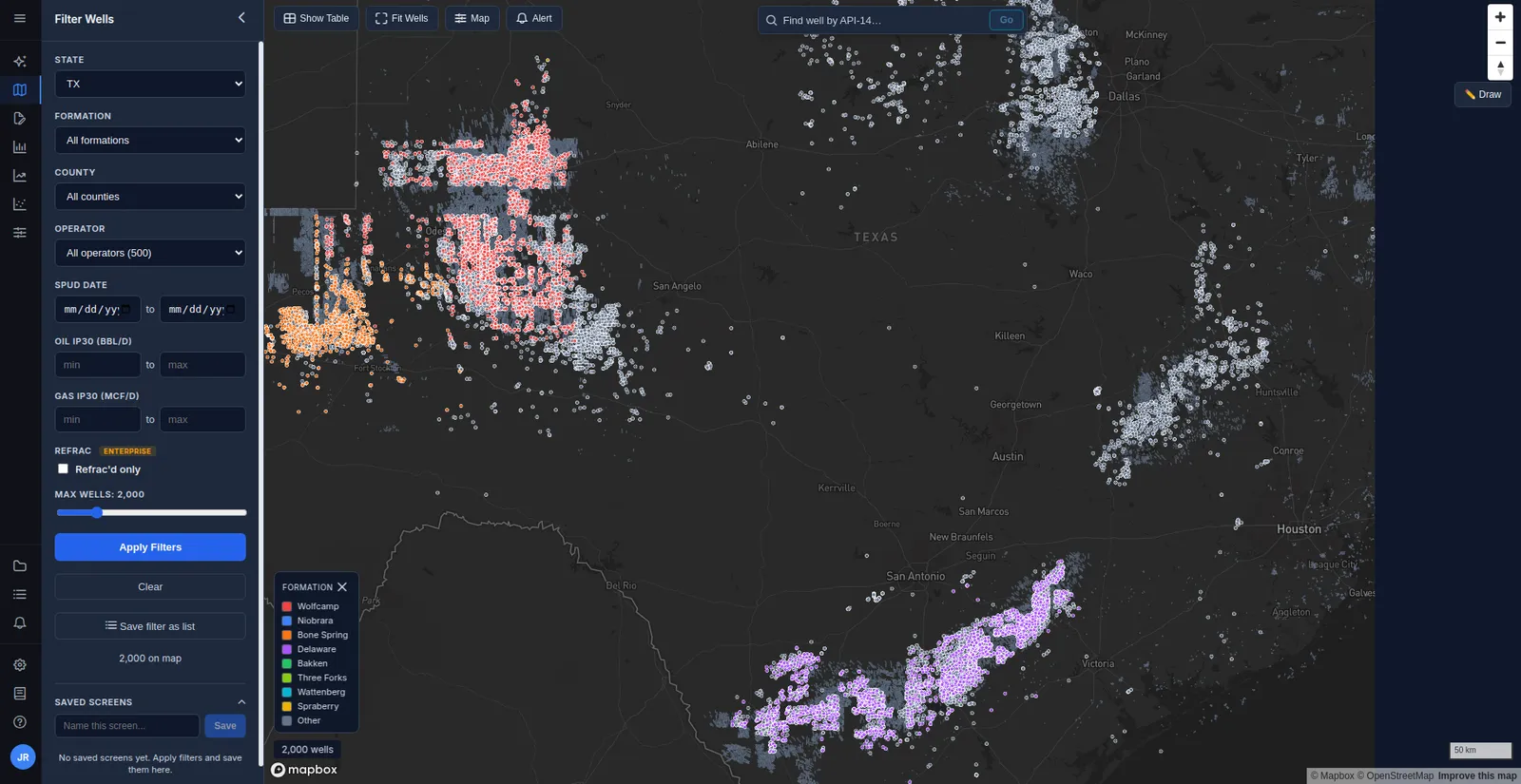
Filter the map and Well Screener down to the exact set of wells you care about — including drawing a polygon to select by area.
Video coming soon
Analyze a single well
Read a well's Production, Frac Job, and Type Curve tabs in the detail panel, with normalization and log-scale toggles.
Video coming soon
Ask the AI
Ask questions about wells, operators, and production in plain English and get answers grounded in the data.
Analysis
Video coming soon
Build a play type curve
Generate P10/P50/P90 production type curves and EUR for a cohort you define with formation, area, and vintage.
Organize
Video coming soon
Build a Well List
Save a set of wells — from a selection or an entire filter — so you can revisit, analyze, and export them later.
Share
Video coming soon
Generate reports
Turn a well, a type curve, a benchmark, or a whole Well List into a shareable PDF or Excel report.
More guides are on the way. Prefer to read? Every workflow also has a written How-To inside the app.
Stop digging through state portals.
Start getting answers.
Join engineers and analysts at independent operators who use WellStrata to make faster, better-informed decisions on leases, completions, and acquisitions.
No credit card required for trial. Setup takes less than 2 minutes.